
September 18, 2026
If your cordless handset loses connection, this is often due to a power outage or broadband connection issue. To resolve the problem, follow these simple steps to re-establish the connection:
1. Check Power and Broadband
Ensure that your power and broadband connection are stable. If there was a disruption, wait for both to return to normal.
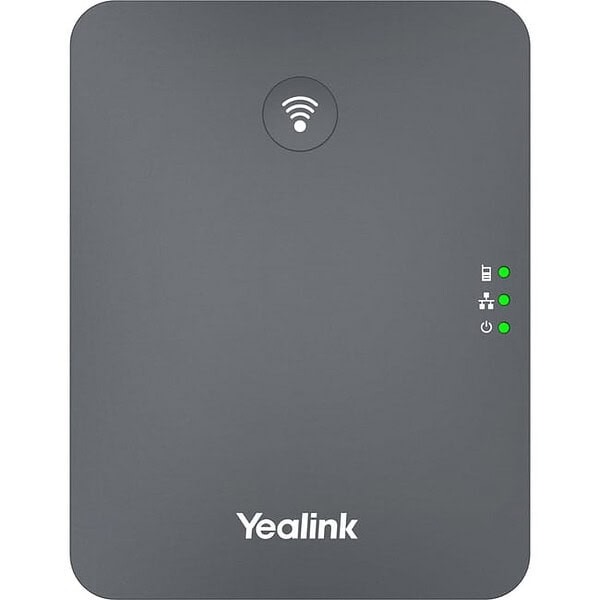
2. Restart the Base Station
-
Locate the base station connected to your handset.
-
Turn off the base station by unplugging it or switching it off.
-
Wait 10-15 seconds before turning it back on.
3. Restart the Wireless Handset
-
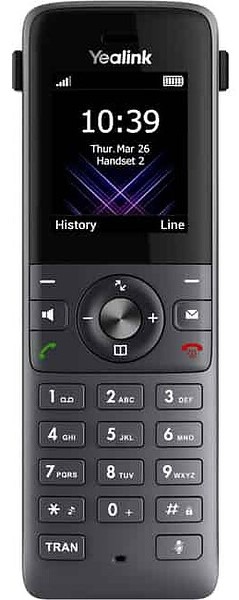
Power off the wireless handset by holding down the power button.
-
Wait a few seconds, then turn it back on.
4. Re-establish Connection
Once both the base station and handset are powered back on, allow a few moments for the handset to reconnect to the base station. The connection should re-establish automatically.
5. Test the Handset
After the connection is restored, test the handset by making a call to ensure everything is working correctly.
