
September 11, 2026
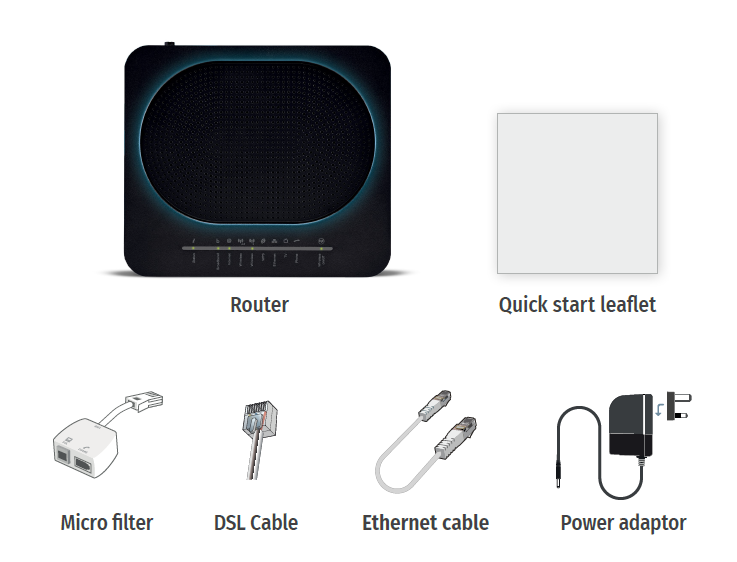
First, check the contents in your box. Ensure that your router package includes all necessary components:
-
The router
-
User guides
-
Micro filter
-
DSL cable (grey)
-
Ethernet cable
-
Power adaptor (black)
Once your SoGEA has been installed/activated, you will receive confirmation by email or SMS. If it is not active, please contact us on 0808 178 5200 for activation.
You can now proceed to set up your hardware.
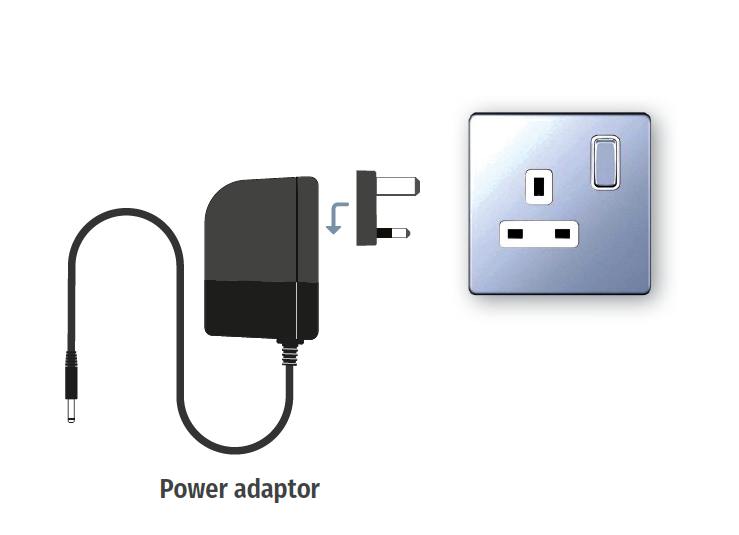
Plug in the router to a power source using the provided power adaptor.
Locate the Openreach master socket (this may vary depending on the type of master socket).

A. If the master socket has two connection ports, this is likely to be a pre-filtered master socket (2a).
B. If the master socket has one connection port, this will require the micro-filter provided (2b). Please plug this in now.

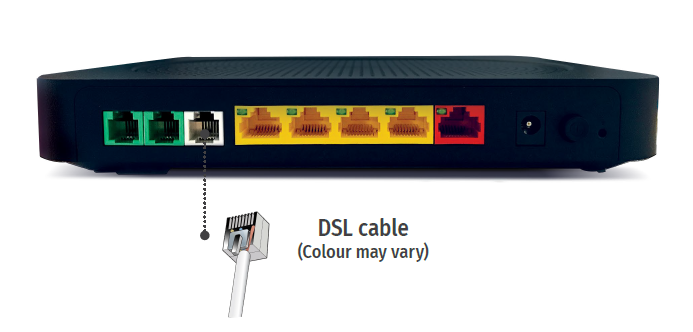
- If you have a pre filtered socket (A), plug the DSL cable directly into the master socket (DSL port).
- If you need a micro-filter(B), plug the DSL cable into the DSL port on the micro-filter.

The other end of the DSL cable goes directly into the grey DSL port on the router.
Please wait three to five minutes. The router should now have five solid green lights.
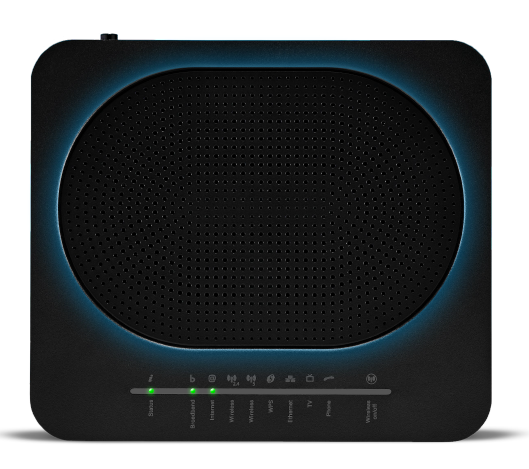
The wireless lights will now be flashing green. You can now proceed to connect your devices.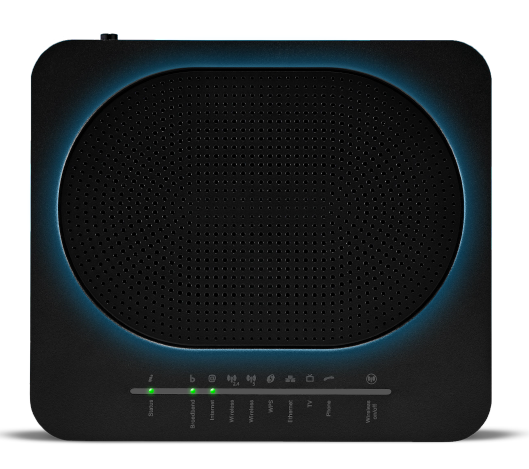

If the router lights are not solid green:
On the back of the router, press and hold the reset button.
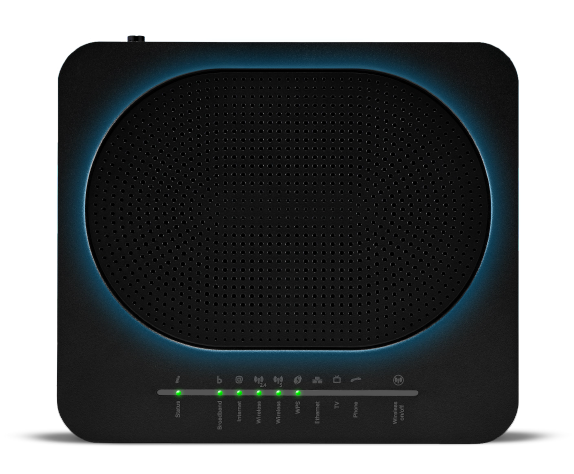
Alternatively, remove the power from the router for one minute and then plug it back in.
If neither of those solutions work, please call our technical support team on 03333 200 999.
